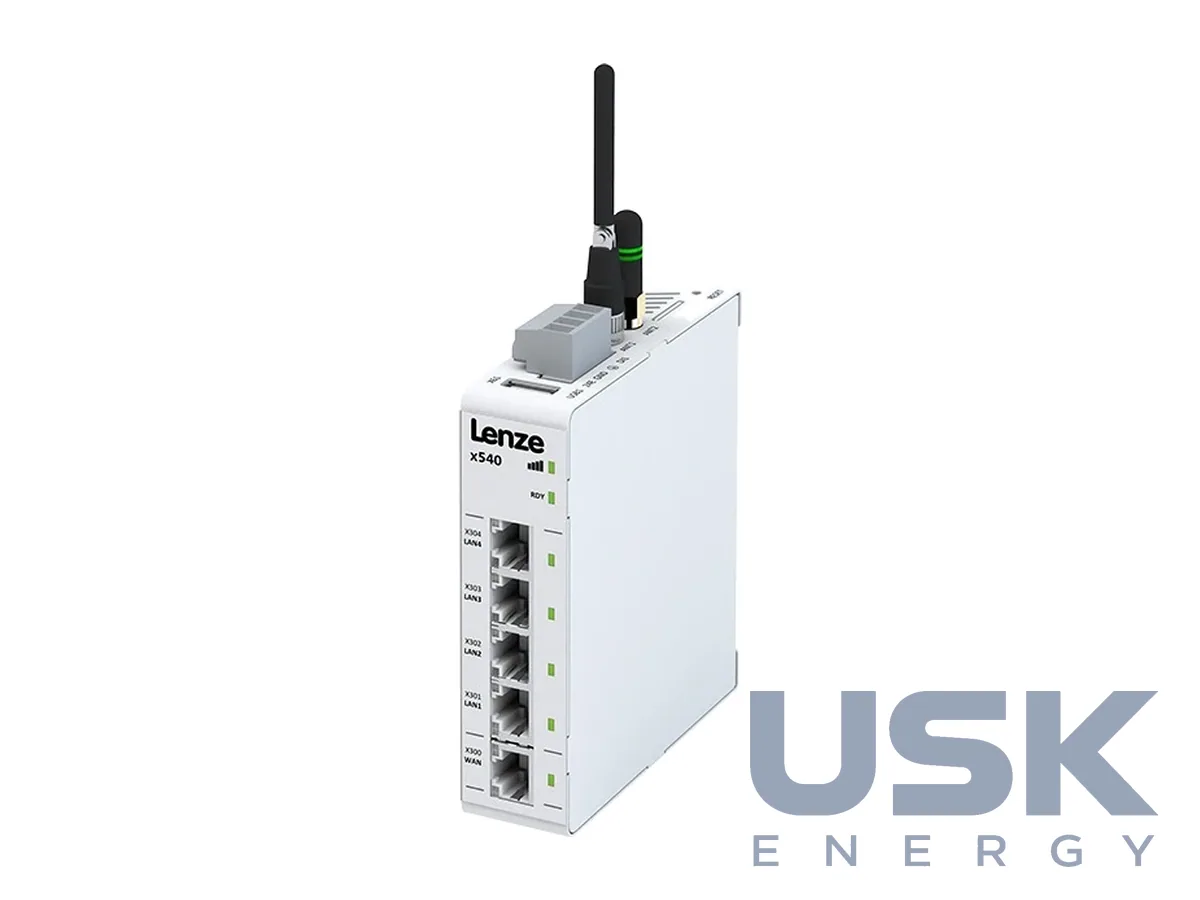
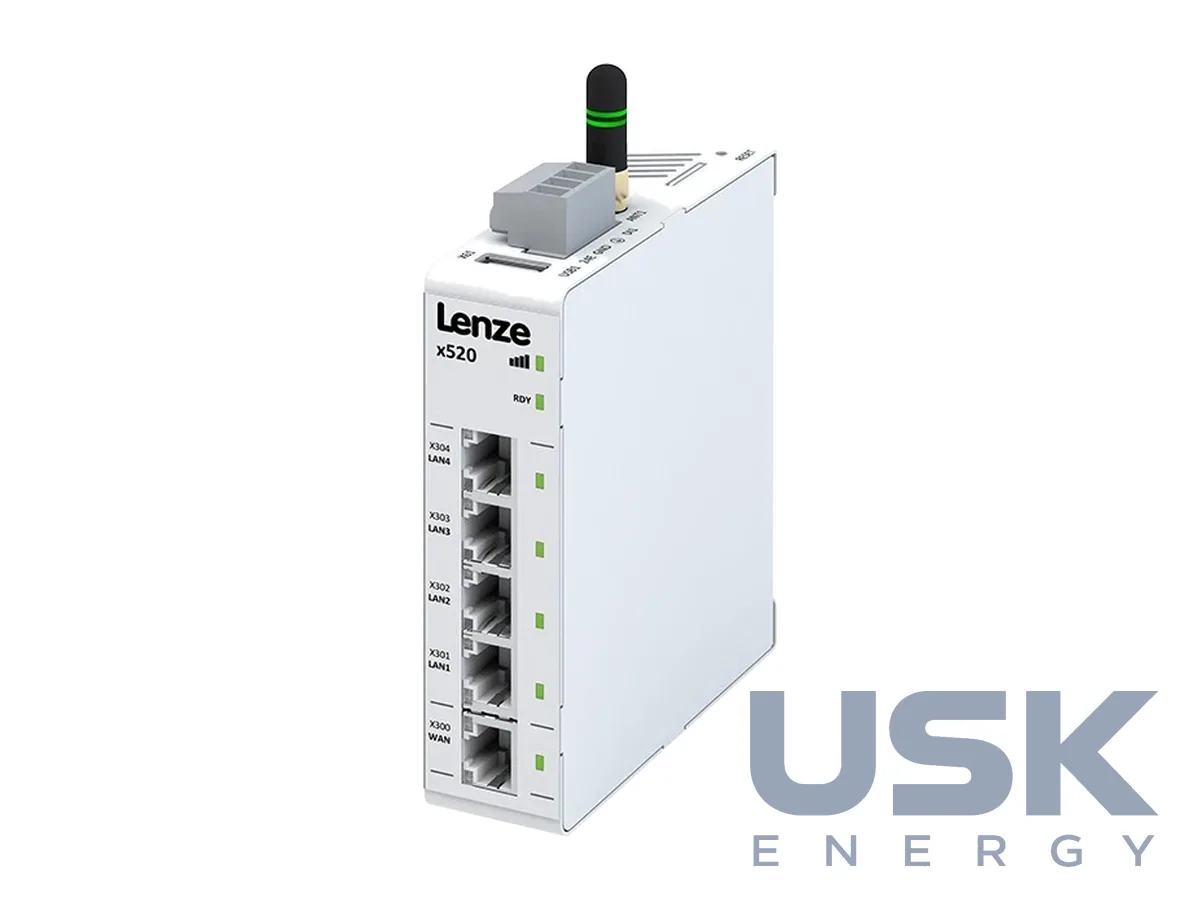
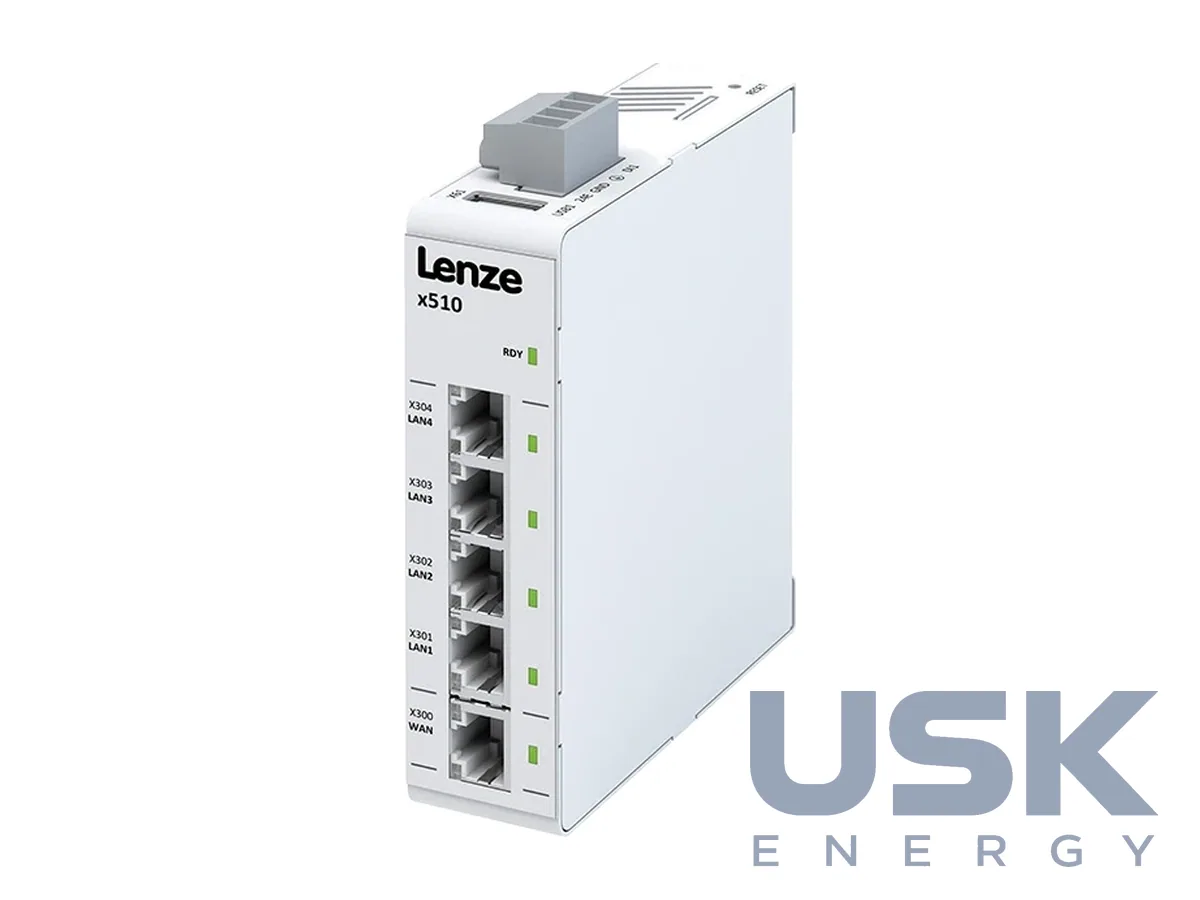
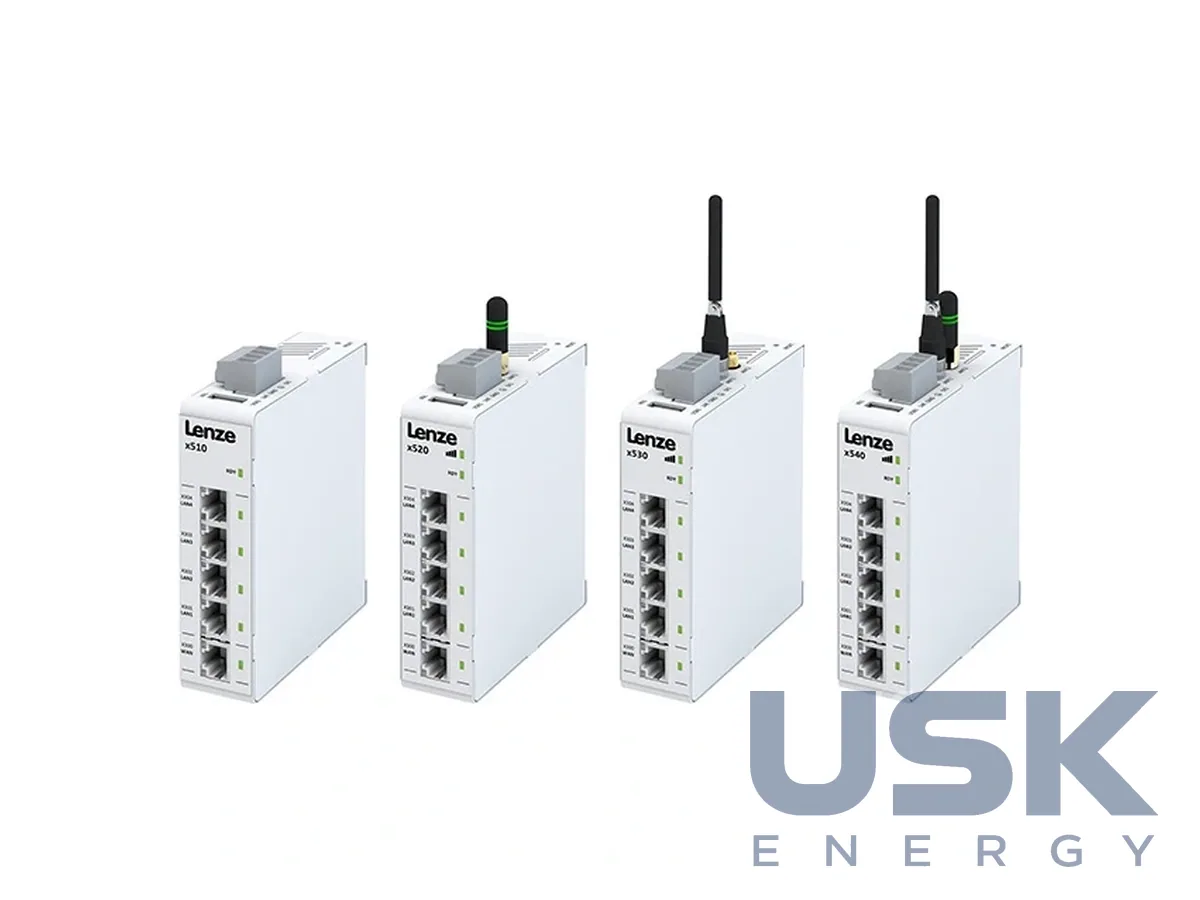
x500 (x510–x540) IoT gateways for remote access
Country: Germany · Model: x500
x500 is a series of x510, x520, x530 and x540 IoT gateways for remote servicing of machines and connecting them to the cloud. Access to the external network is made through LAN, WLAN or 4G mobile connection, and the cloud connection is set up in a few minutes.
- Connectivity
- LAN, WLAN, 4G; EtherNet/IP
- Connections
- 4× LAN, 1× WAN, 1× USB 2.0, 1× DI
- Service
- X4 Remote remote service, dashboards
Technical specifications
| Connectivity | LAN, WLAN, 4G; EtherNet/IP |
|---|---|
| Connections | 4× LAN, 1× WAN, 1× USB 2.0, 1× DI |
| Service | X4 Remote remote service, dashboards |
Specifications are taken from the manufacturer’s technical documentation. Updated .
Description
The gateway links the machine network with the external network and follows the enterprise's existing firewall rules. The interfaces are 4 LAN ports, 1 WAN port, 1 USB 2.0 port and 1 digital input, and EtherNet/IP is supported. The models differ in the connectivity options, that is LAN, WLAN or 4G. The gateways work as part of the X4 Remote platform, where custom monitoring dashboards can be created to view equipment operation. For transferring drive data to IIoT systems, the Drives DataHub package is offered, which passes converter data to upper-level cloud systems via MQTT for asset management, condition monitoring and predictive maintenance.
How to choose
The choice between the x510, x520, x530 and x540 depends on the connectivity needed, so first find out whether the site has a wired network connection or mobile 4G is required. A gateway alone is enough for remote access only, and to control the machine a c430, c520 or c550 controller is placed next to it.
Request a price and lead time
x500 (x510–x540) IoT gateways for remote access. We reply within one business day.
Or email office@usk.ua or call +38 (044) 339-50-20.
FAQ
What interfaces do x500 gateways have?
4 LAN ports, 1 WAN port, 1 USB 2.0 port and 1 digital input, as well as EtherNet/IP support.
How does the x500 gateway access the external network?
Through LAN, WLAN or 4G mobile connection, depending on the x510–x540 model.
How long does it take to connect a machine to the cloud?
According to the manufacturer, a few minutes.
What is the X4 Remote platform for?
For remote servicing of machines. The user creates custom dashboards and reduces equipment downtime.
How can drive data be passed to the cloud?
With the Drives DataHub package, which passes converter data to upper-level systems via MQTT.
Similar products


REQUEST
Need a price, lead time or replacement?
Send us a request and we will confirm the configuration, lead time and delivery terms. We reply by email.